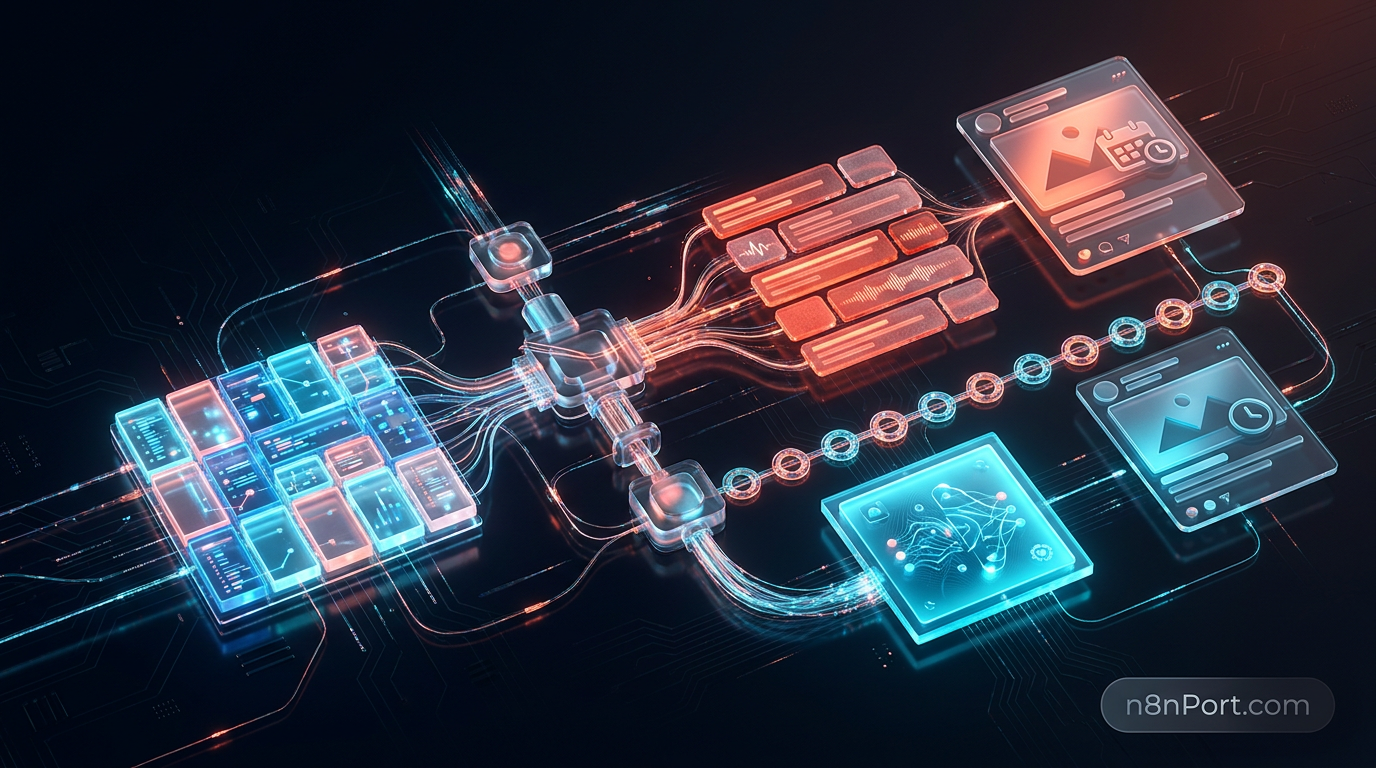
n8nPort’s n8n social media automation is for marketers, agencies, founders, and small teams that want daily LinkedIn and Instagram content without manually writing, designing, scheduling, and tracking each post. It uses Airtable for topic planning and history, Anthropic Claude for captions, OpenAI for images, ImgBB for image hosting, Buffer for publishing, and n8n to coordinate the complete workflow inside a managed n8nPort workspace.
## What this automation actually does
This workflow turns an approved Airtable topic into a scheduled LinkedIn and Instagram post every day.
1. Starts daily at 08:00. The schedule follows the timezone configured in the n8n workflow, so you control when content production begins.
2. Reads active ideas from Airtable. It retrieves eligible records from a Topics table, using an Active checkbox to exclude drafts or paused ideas.
3. Checks recent publishing history. It fetches the 14 latest entries from the Airtable Posts table and removes recently used topics from consideration.
4. Selects a fresh topic. Code logic randomly chooses one unused idea. If every active topic appeared in the last 14 posts, the run stops instead of publishing repetitive content.
5. Writes the caption with Claude. The selected topic is sent to the Anthropic Messages API. The source workflow produces a Dutch social caption, but you can edit the prompt for English, another language, your brand voice, length, calls to action, or formatting rules.
6. Creates a matching image with OpenAI. The caption and topic become an image prompt for a square 1024×1024 illustration. The workflow converts the returned base64 data into a PNG file.
7. Hosts the image on ImgBB. The PNG is uploaded to ImgBB to produce a public URL that Buffer can use.
8. Schedules publishing through Buffer. Buffer creates an image post for the connected LinkedIn channel, followed by the connected Instagram channel.
9. Logs the result in Airtable. The topic, generated caption, and image URL are saved to the Posts table, preventing that topic from being selected during the next 14 runs.
## What it replaces
This automation replaces the repetitive daily process of choosing an idea, checking for duplicates, drafting copy, producing artwork, scheduling two posts, and updating a content log.
| Task | Manual way | With this automation |
|---|---|---|
| Topic selection | Search a content calendar and inspect recent posts | Filter active Airtable topics and exclude the latest 14 automatically |
| Caption creation | Draft and revise each post by hand | Generate a brand-guided caption with Claude |
| Image creation | Brief a designer or use a separate design tool | Generate a matching 1024×1024 image with OpenAI |
| Image hosting | Upload the file and copy a public URL | Upload to ImgBB automatically |
| Publishing | Open each social platform or scheduler | Schedule LinkedIn and Instagram posts through Buffer |
| Record keeping | Copy post details back into a spreadsheet | Log the topic, caption, and image URL in Airtable |
| Typical daily effort | About 30–90 minutes, depending on review and design | A scheduled run plus optional approval or quality review |
| Automation cost model | Multiple tools plus task-based automation fees | n8nPort starts at $10/month with unlimited workflow runs on your managed instance; third-party usage charges remain separate |
## Why run it on n8nPort
n8nPort gives you a managed n8n workspace and a hand-picked automation catalogue, so you can deploy useful workflows without maintaining servers or searching through more than 11,000 community templates.
Every catalogue workflow is selected by n8nPort automation editors. You start with a relevant, practical template rather than spending hours comparing similarly named community submissions.
Installation takes one click inside your provisioned workspace. There is no server setup, Docker configuration, deployment process, or n8n hosting knowledge required.
Your third-party credentials remain under your control. n8nPort never asks you to submit Anthropic, OpenAI, Airtable, ImgBB, or Buffer secrets to the catalogue; you add them directly inside your own managed n8n workspace.
Plans start at $10 per month with unlimited workflow runs on your managed instance. That means frequent schedules and growing automation volume are not metered as individual n8nPort tasks, although API providers can still charge for their own usage.
## What you need before you start
You need accounts and credentials for the services that store topics, generate content, host images, and publish posts.
- Airtable account and personal access token, plus a base containing Topics and Posts tables
- Anthropic API key with access to a supported Claude model
- OpenAI API key with image generation access
- ImgBB API key for uploading generated PNG files
- Buffer account and API access, with connected LinkedIn and Instagram channels
- Your Airtable base and table IDs, Buffer organization ID, and relevant Buffer channel IDs
The Topics table should include Topic as text and Active as a checkbox. The Posts table should include a created-time Date field plus Topic, Post, and Image URL fields.
## Install it in 3 minutes
The normal n8nPort path is subscribe, open your ready workspace, install the template, connect credentials, and activate it.
1. Open the n8nPort dashboard after subscribing.
2. Go to Managed Instances and confirm that your workspace is ready.
3. Open n8n through secure SSO without managing a separate server login.
4. Go to Workflow Templates inside your workspace.
5. Select this Airtable social media automation and click Install.
6. Wait until its status changes to Installed.
7. Add your Airtable, Anthropic, OpenAI, ImgBB, and Buffer credentials inside your own workspace. Replace the base, table, organization, and channel IDs, then customize the prompts.
8. Test the workflow with a sample topic and click Activate when the output is correct.
The installation itself is realistically about three minutes. Initial credential creation, Airtable schema setup, channel connection, and brand prompt customization may take longer if those assets are not already prepared.
## Tips to get more out of it
A few practical changes can make the output more reliable and more recognizably yours.
- Build a stronger brand prompt. Give Claude clear rules for language, audience, tone, prohibited claims, caption length, hashtags, and calls to action. Add two or three approved examples rather than relying on broad adjectives such as “engaging.”
- Add an approval step. For regulated industries or high-value brand accounts, route the caption and image to email, Slack, or another review channel before Buffer receives the post.
- Expand the topic history window. Change the 14-post rule if you publish more than once per day or need longer gaps between repeated themes. Keep enough active Airtable topics available so the workflow does not stop.
- Improve resilience. Add error branches and alerts for API limits, failed image uploads, expired Buffer connections, or missing Airtable fields. You can also replace ImgBB with another public image host if your policies require it.
## FAQ
### Can this workflow publish to LinkedIn and Instagram automatically?
Yes. The workflow sends the generated caption and hosted image to connected LinkedIn and Instagram channels through Buffer. You must provide valid Buffer access, organization and channel IDs, and ensure each social account is correctly connected.
### Does n8nPort need my API keys?
No. n8nPort does not ask you to hand over third-party API keys for template installation. You add Airtable, Anthropic, OpenAI, ImgBB, and Buffer credentials directly inside your own managed n8n workspace.
### How does the automation avoid repeating topics?
The workflow reads the 14 most recent records in the Airtable Posts table and excludes their topics from the eligible pool. It randomly selects an unused active topic and stops without publishing if none is available.
### Can I change the language, caption style, and image design?
Yes. You can edit the Claude prompt to change the language, voice, length, format, and content rules, and adjust the OpenAI image prompt for your preferred visual direction. The source template uses Dutch captions and square 1024×1024 images, but these settings are customizable.
### Are workflow runs really unlimited on n8nPort?
Yes, n8nPort plans start at $10 per month and include unlimited workflow runs on your own managed instance rather than charging per task. Airtable, Anthropic, OpenAI, ImgBB, Buffer, or other connected services may apply separate plan limits and usage charges.
Turn your Airtable topic backlog into a consistent LinkedIn and Instagram publishing system without deploying or maintaining n8n yourself. Visit [n8nPort.com](https://n8nport.com), open your managed workspace, and install the editor-curated automation in about three minutes.
Can this workflow publish to LinkedIn and Instagram automatically?
Yes. The workflow sends the generated caption and hosted image to connected LinkedIn and Instagram channels through Buffer. You must provide valid Buffer access, organization and channel IDs, and ensure each social account is correctly connected.
Does n8nPort need my API keys?
No. n8nPort does not ask you to hand over third-party API keys for template installation. You add Airtable, Anthropic, OpenAI, ImgBB, and Buffer credentials directly inside your own managed n8n workspace.
How does the automation avoid repeating topics?
The workflow reads the 14 most recent records in the Airtable Posts table and excludes their topics from the eligible pool. It randomly selects an unused active topic and stops without publishing if none is available.
Can I change the language, caption style, and image design?
Yes. You can edit the Claude prompt to change the language, voice, length, format, and content rules, and adjust the OpenAI image prompt for your preferred visual direction. The source template uses Dutch captions and square 1024×1024 images, but these settings are customizable.
Are workflow runs really unlimited on n8nPort?
Yes, n8nPort plans start at $10 per month and include unlimited workflow runs on your own managed instance rather than charging per task. Airtable, Anthropic, OpenAI, ImgBB, Buffer, or other connected services may apply separate plan limits and usage charges.